The Complete AI Filmmaking Pipeline: From Script to Screen in 2026
Two years ago, making a short film meant a $50,000 budget, a crew of twenty, and six months of weekends. Today you can do it solo, from your laptop, in a weekend.
That's not hype. Here's what's possible right now:
The tools exist right now. And they're good enough that Sundance 2026 featured AI-assisted films, Amazon is building an AI Studio for cinematic content, and Curious Refuge (an AI film school) is training the next wave of Hollywood creators, according to Reuters.
Jeffrey Katzenberg called it "the democratization of storytelling at a level that has never happened in the existence of humankind." He's not wrong.
Here's the complete AI filmmaking pipeline I use, stage by stage, with the specific tools that work best at each step. More importantly, I'll tell you when to pick one tool over another and what actually works in practice.
The Pipeline at a Glance
Seven stages. Each one has dedicated AI tools. Some stages overlap, and you'll bounce between them. But the flow looks like this:
Script → Storyboard → Character Design → Video Generation → Voice & Audio → Editing → Distribution
Let's break each one down with real workflow advice.
Stage 1: Script and Story
Every film starts with story. And LLMs have gotten shockingly good at screenwriting.
I use Claude for brainstorming and structural work. It understands three-act structure, Dan Harmon's Story Circle, Save the Cat beat sheets. You can feed it a logline and get a full treatment back in minutes.
ChatGPT works too, especially with custom GPTs tuned for screenplay format.
But here's what actually works: don't ask AI to write your whole script. Use it to develop your story, test ideas, and handle the tedious formatting. Your voice and vision still drive everything.
DeepFiction takes a different approach. Instead of writing a script in a vacuum, you develop stories interactively. Build the world, define characters, explore branching narratives. It's less "generate me a script" and more "let's develop this story together." The output becomes your production bible: narrative structure, character descriptions, and scene breakdowns that feed directly into storyboarding.
When to use what: Claude for structural analysis and beat work. ChatGPT for quick dialogue passes. DeepFiction when you need the story development to connect seamlessly with visual pre-production.
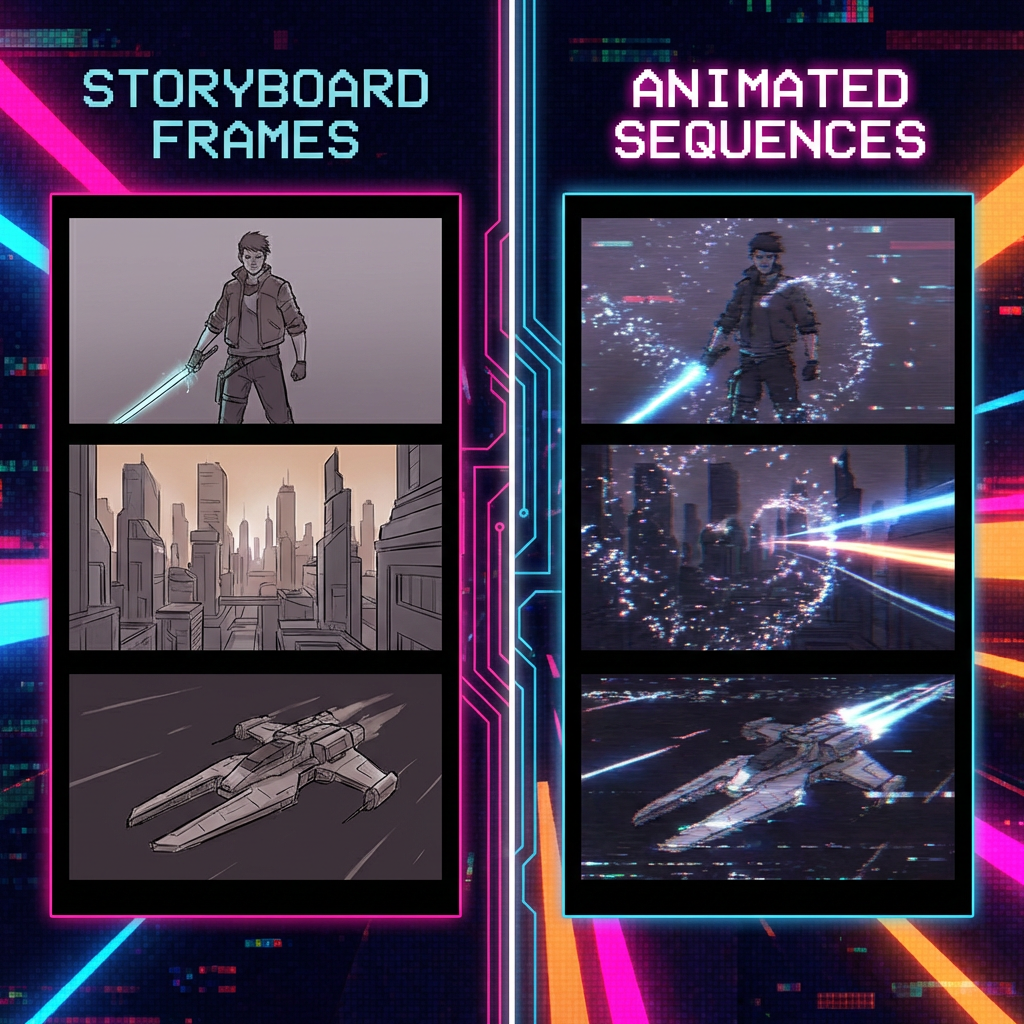
Stage 2: Storyboarding and Pre-Viz
Once you have a script, you need to see it. Shot by shot.
This is where AI image generation replaces the sketch artist. You describe a scene, get back a frame that looks like a still from your movie.
Here's my tool hierarchy and when I use each:
Z-Image Turbo is my daily driver for storyboard frames. This 6B parameter model by Tongyi-MAI runs on consumer hardware with less than 16GB VRAM, delivers sub-second inference, and achieves 95% of FLUX quality at 20% of the compute cost. Perfect for rapid iteration when you're blocking out scenes.
Nano Banana Pro (Google's Gemini 3 Pro Image) when quality matters more than speed. It's the most popular image model on fal by daily requests. Use this for hero shots and key frames that need to be perfect.
The real workflow tip: generate frames that look like they belong in the same film. Lock in a visual style early, and use that reference across all your storyboard generation.
DeepFiction shines here too. It generates storyboard images directly from your scene descriptions, maintaining the character details and world consistency you built in Stage 1. No prompt engineering required.
Pro tip: Always generate image-to-video, not text-to-video in the next stage. Lock your composition in storyboarding, then animate it. You get far more control.
Stage 3: Character Design and Consistency
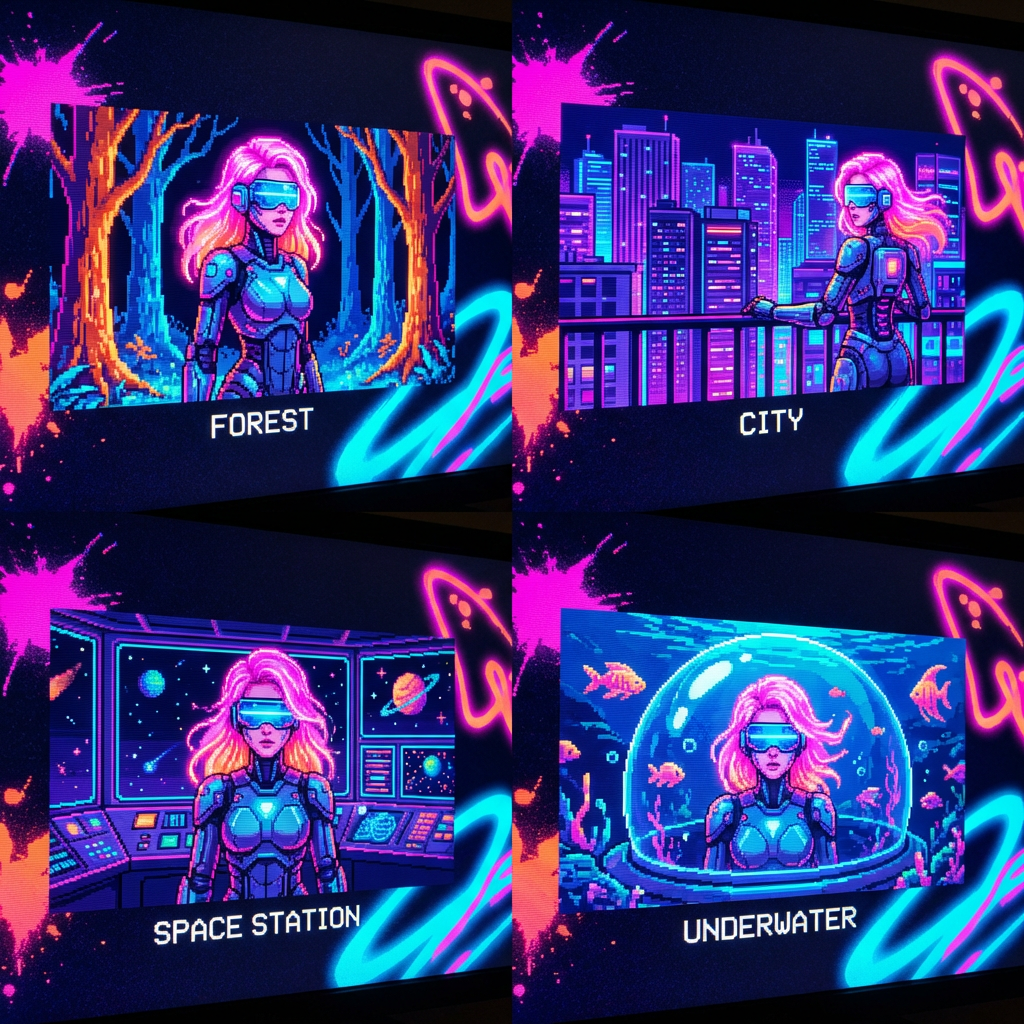
If you've tried making an AI film, you know this pain. Your main character looks different in every shot. Hair changes. Face shifts. Clothes morph.
Character consistency is the single biggest challenge in AI filmmaking. Here's how to solve it:
Flux Kontext for maintaining character appearance across different poses, settings, and lighting. Take a reference image of your character and generate new images that maintain their look. Style transfer works too, so you can lock in a visual aesthetic for your entire film.
Qwen Image Edit 2509 when you need surgical precision. This open source editing model supports multi-image editing with 1-3 input images and enhanced single-image consistency. Perfect for tweaking character details without losing their core identity.
Nano Banana Pro Edit at $0.15 per edit when budget isn't the constraint. Transform images with natural language, maintain character consistency, combine up to 14 reference images. No masks needed.
When to pick which: Flux Kontext for broad character consistency work. Qwen for precise edits on a budget. Nano Banana Pro Edit when you need the fastest turnaround and best results.
The workflow that works: generate a strong reference sheet for each character (front, side, three-quarter angles). Use those as anchors for every scene you generate. LoRA training gives you even tighter control if you're willing to invest the setup time.
It's not perfect yet. But it's gone from "impossible" to "workable with effort." That's a massive shift from even six months ago.
Stage 4: Video Generation
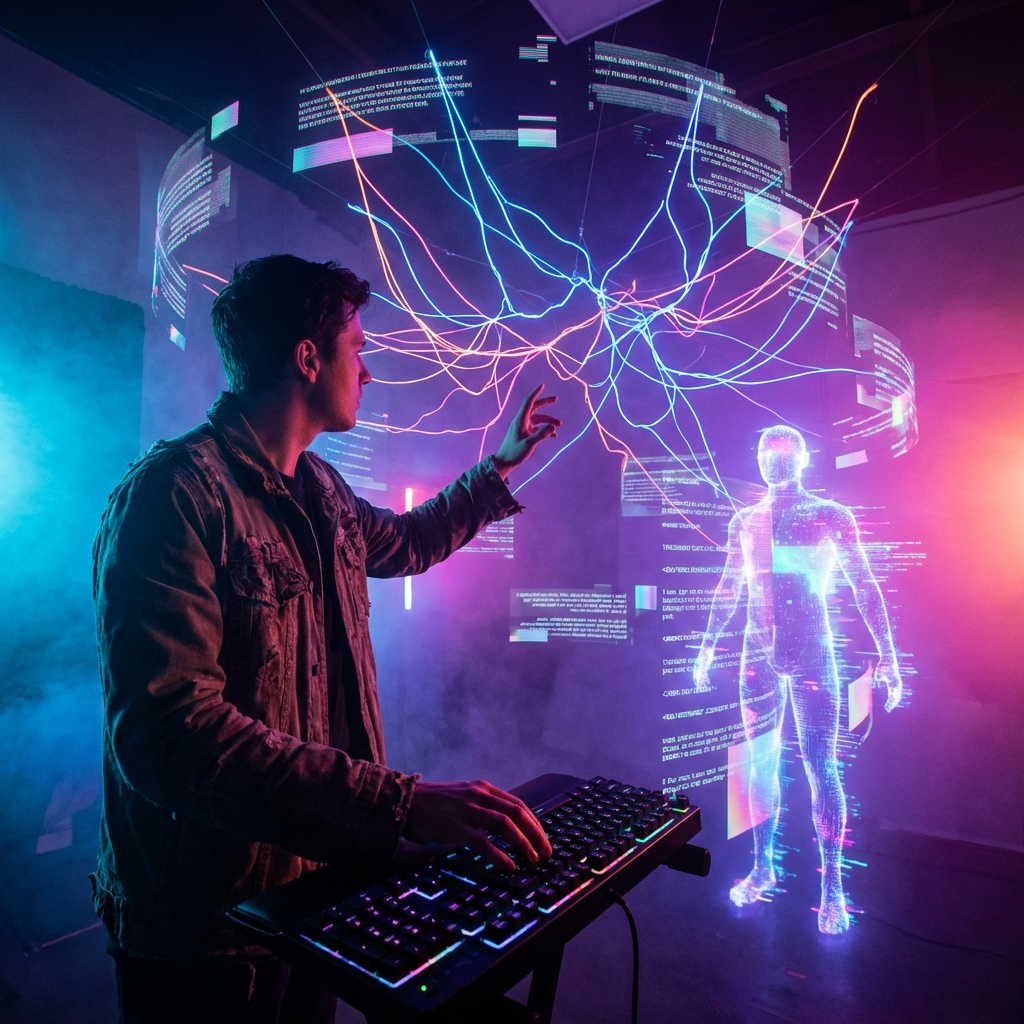
This is where storyboard frames become moving pictures.
The key insight: different models excel at different things. Here's when I reach for each:
Kling 3.0 when I need control over multiple shots. Multi-shot storyboarding generates up to 6 cuts per generation with physics-aware motion. Native 4K at 60fps with synchronized audio through one unified model. Best for complex sequences where you need specific camera movements and cuts.
Veo 3.1 for prompt adherence and social content. Best prompt following of any model, native vertical video, 4K upscaling, reference image support. Choose this when your concept is text-heavy or when you're making content for TikTok/Instagram.
Seedance 2.0 when you have multimodal inputs. ByteDance's unified architecture handles text, image, audio, and video inputs with comprehensive content reference. Perfect when you're combining multiple reference types.
LTX-2 when you want full control and don't mind the technical setup. First production-ready open source model with audio+video generation. Native 4K with synchronized sound, plus access to model weights and training code. Choose this when you need to modify the model itself or want true ownership of your pipeline.
Sora 2 for longer sequences and scene continuity. Handles extended clips better than the competition, with scene-aware multi-shot generation.
DeepFiction connects here too. It produces video clips directly from your story development, maintaining the character and world consistency you established upfront.
The workflow that actually works: Always start with your storyboard frame (Stage 2), then animate it. Don't go straight from text prompt to video. You lose too much control.
Stage 5: Voice and Audio
A film without sound is a slideshow. This stage brings your visuals to life.
For dialogue, I pick based on need:
Cartesia AI when I need instant voice cloning. 3-10 seconds of audio input, ultra-low latency with their Sonic 3 model. Perfect for matching character voices to existing audio references.
ElevenLabs Turbo v2.5 for general dialogue work. Near-instant generation (250ms latency), voice quality good enough for finished work. The voice library is solid, and custom voice training works well.
MiniMax Speech-02 for multilingual projects. Claims 99% human similarity across 32 languages. I've tested English, Spanish, and Japanese. The claim holds up.
For music: Suno v4.5 is the only choice that matters. Creates full-length songs with lyrics, vocals, and polished production from simple prompts. Far superior to anything else available. Complete platform covers everything from beats to final mix.
Sound effects: Most auto-generated SFX still sounds artificial. I layer basic ambients from AI tools, then add key sound effects manually from traditional libraries. It's faster than fighting with AI SFX that doesn't quite fit.
When to pick what: Cartesia for voice matching, ElevenLabs for general work, MiniMax for international projects, Suno for all music needs.
Layer dialogue, SFX, and music. That's your sound mix.
Stage 6: Editing and Post-Production
Here's the honest truth: editing is still the most manual step in the AI filmmaking pipeline.
You're assembling AI-generated shots into a coherent sequence. Cutting. Pacing. Adding transitions. Color grading to make everything feel unified.
Traditional tools still dominate here. Premiere Pro, DaVinci Resolve, CapCut for quick work. Runway's Gen-4 is pushing into this space with AI-assisted editing features.
The gap is closing though. Amazon's new AI Studio is specifically targeting "the last mile" between AI-generated content and finished cinematic output. But for now, most serious AI filmmakers still edit in conventional NLEs.
Stage 7: Distribution
You made a film. Now what?
YouTube is the obvious home. AI-generated content performs well there, and the algorithm doesn't discriminate based on production method.
Social platforms (TikTok, Instagram Reels, X) work for shorter pieces. Clip your best scenes, post them as teasers.
Film festivals are accepting AI work. Sundance 2026 screened AI-assisted films. The AI Film Festival is growing. Curious Refuge runs competitions.
If your film is good, people don't care how you made it.
What's Coming Next
The pipeline I described works today. But it's about to get faster.
World models like Genie 3 and World Labs Marble will add spatial consistency that current tools lack. Real-time generation through MirageLSD means interactive filmmaking, where you direct scenes as they render.
Feature-length AI films are the next milestone. The short-form pipeline is proven. Scaling it to 90 minutes means solving consistency, memory, and narrative coherence across hundreds of shots.
We're not there yet. But the trajectory is clear.
The tools exist. The pipeline works. The question isn't whether you can make an AI film. It's whether you will.
Start building your story with DeepFiction. Every great film begins there.